Venez écrire un nouveau chapitre de notre histoire !
Chers amis des jardins du Château perdu,
C’est avec plaisir que nous vous convions à notre Assemblée Générale annuelle, qui se tiendra le samedi 22 février 2025 à 15h30, à la Salle des Fêtes de Saint-Michel-de-Castelnau.
Pourquoi venir ?
Faire le point sur une année riche en événements : Ensemble, revenons sur les réalisations de 2024, les moments forts et les projets qui ont vu le jour grâce à votre engagement.
Participer à l’avenir de notre association : Proposez vos idées, vos envies pour faire évoluer les Jardins du Château Perdu en 2025. Vos suggestions sont précieuses pour construire un avenir toujours plus vert et convivial.
Discuter des projets à venir : En tant que membre actif, votre voix compte ! Venez exprimer votre avis sur les orientations que vous souhaitez donner à notre association.
Ordre du jour :
Bilan de l’année 2024
Projets pour 2025
Approbation des comptes
Informations pratiques :
Date : Samedi 22 février 2025
Heure : 15h30
Lieu : Salle des Fêtes de Saint-Michel-de-Castelnau
Participation : Ouverte à tous les membres à jour de leur cotisation.
Vous n’êtes pas encore membre ?
Rejoignez-nous ! Le formulaire d’adhésion est disponible ICI. En devenant membre, vous soutenez nos actions, vous êtes invités à tous nos événements et vous participez aux décisions importantes de l’association.
Ensemble, cultivons l’avenir !
Nous comptons sur votre présence pour faire de cette assemblée générale un moment convivial et riche en échanges.
[Convocation et Pouvoir si nécessaire] [Formulaire d’adhésion]
N’hésitez pas à partager cet événement autour de vous !
Les Jardins du Château Perdu 180 route de Grignols 33840 Saint-Michel-de-Castelnau tel : 05 56 65 44 58 mail : castelnaudemesmes@gmail.com
La saison 2024 dans les Jardins du château perdu s’ouvre sur notre désormais traditionnel premier rendez-vous de l’année :
LES RENDEZ-VOUS AUX JARDINS
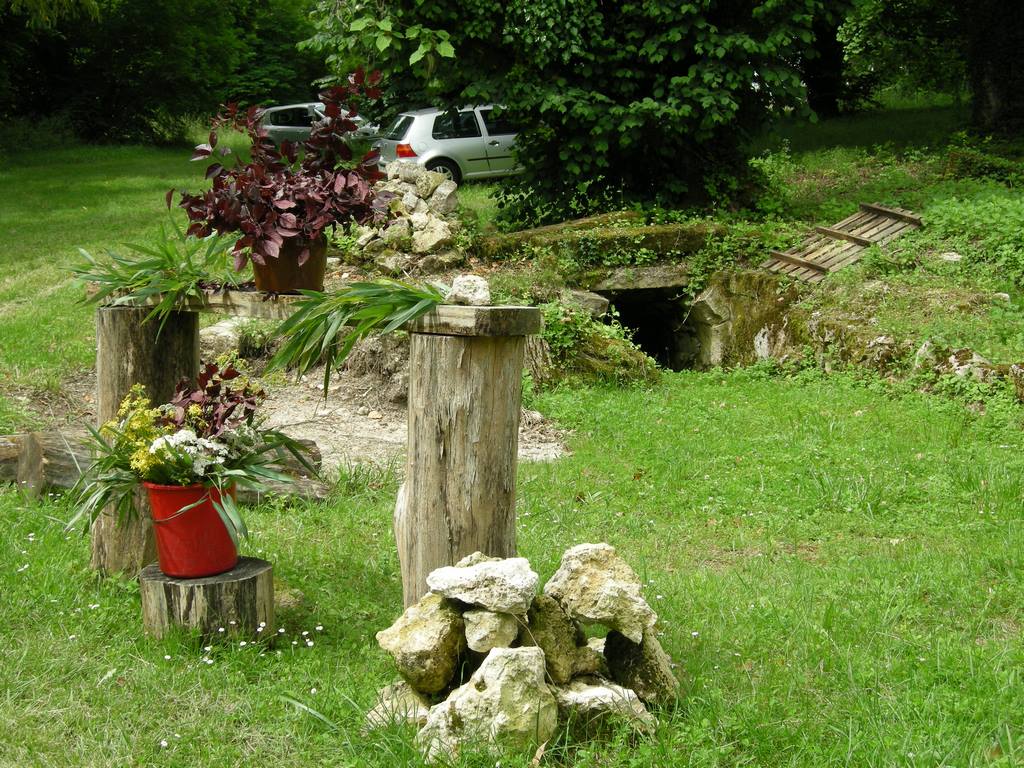
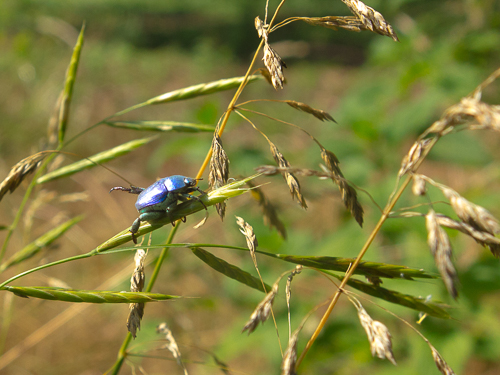
Et cette année, nous vous invitons à venir nous retrouver le SAMEDI 1ER JUIN 2024 pour flâner à la découverte de la biodiversité de notre jardin. Au rythme des saisons et de la nature, venez observer les espèces qui s’y développent.
Nous organisons également un TROC DE PLANTES donc n’hésitez pas à venir avec vos boutures pour des échanges !
Nous vous conterons aussi l’histoire du lieu.
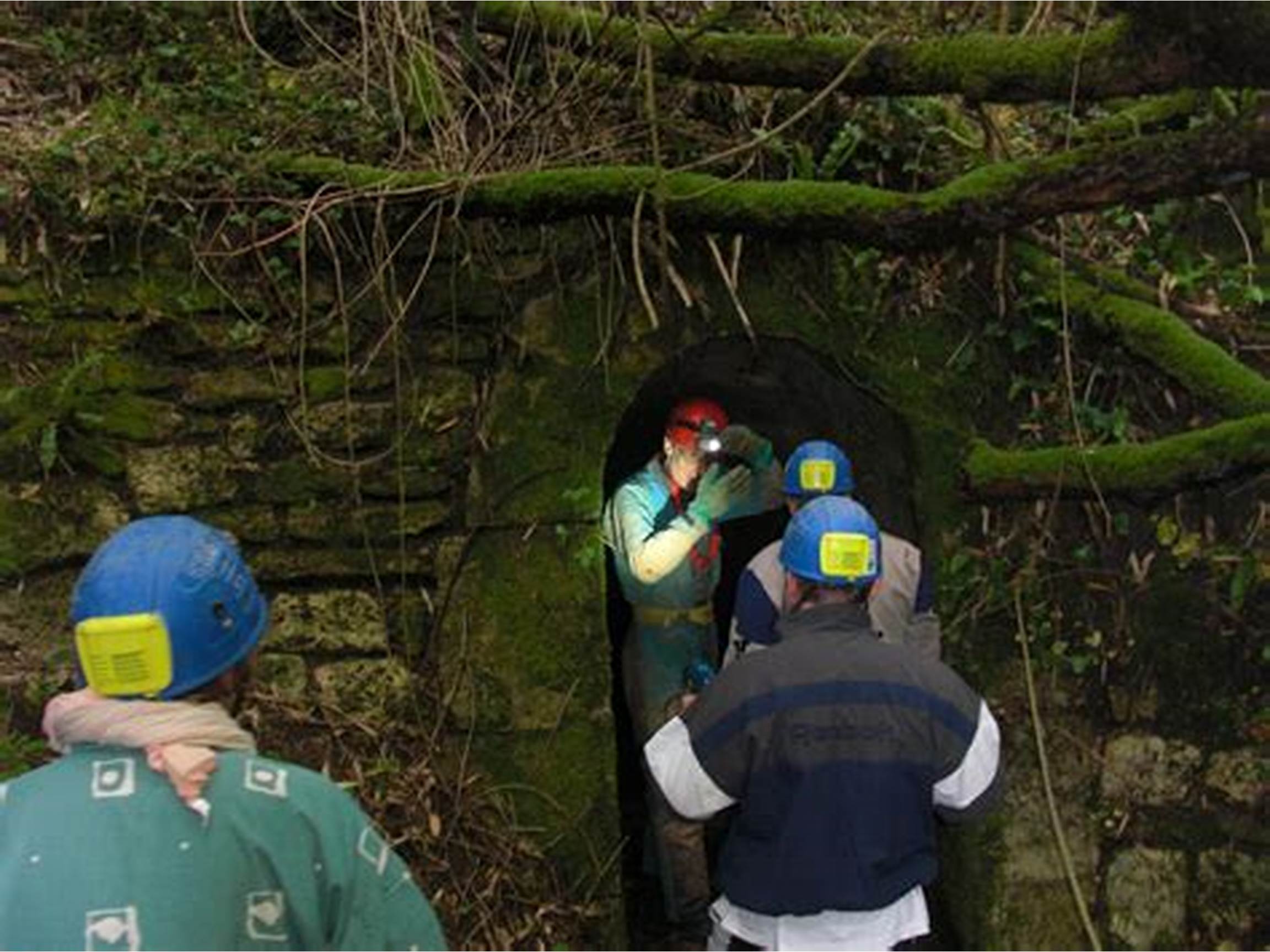
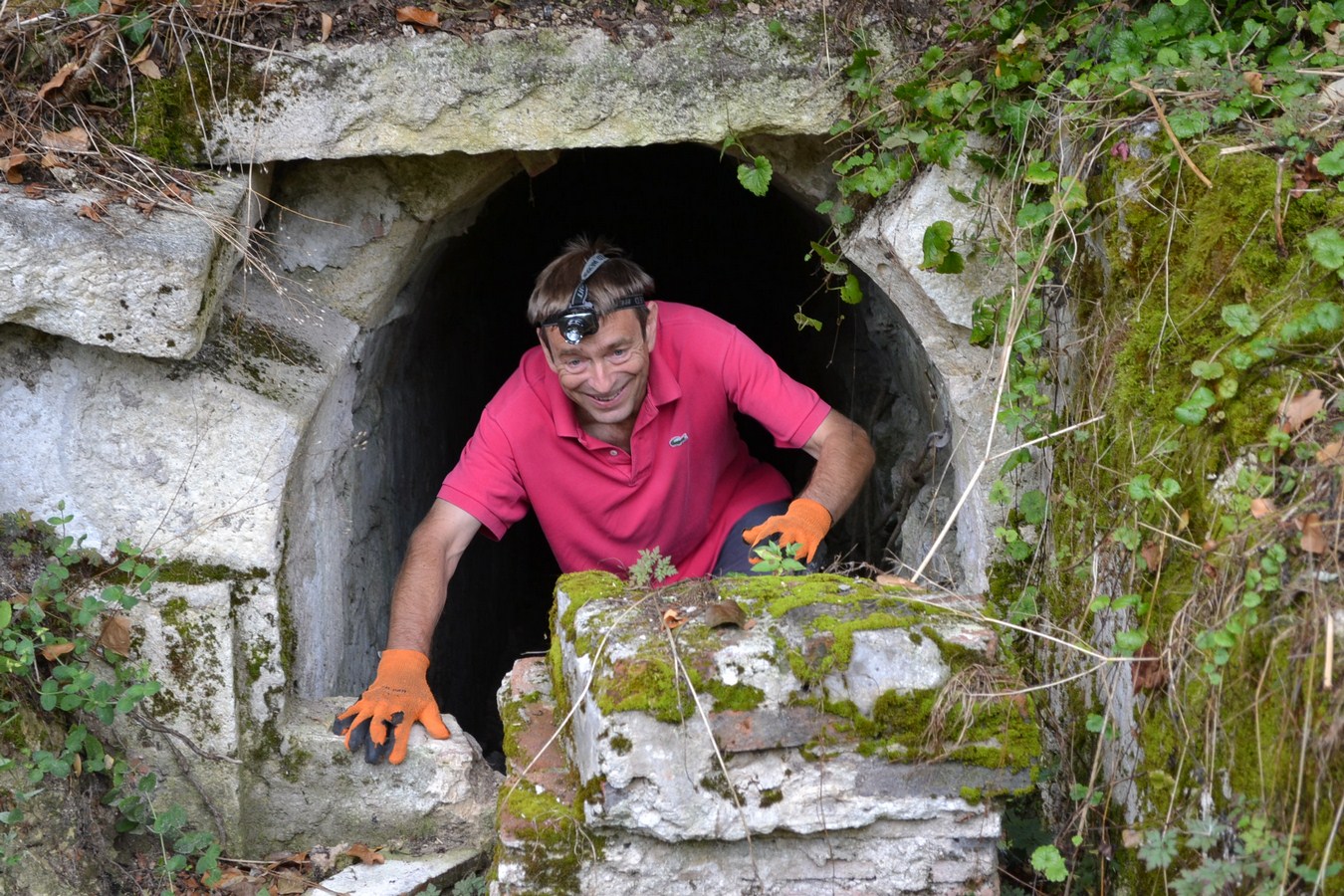
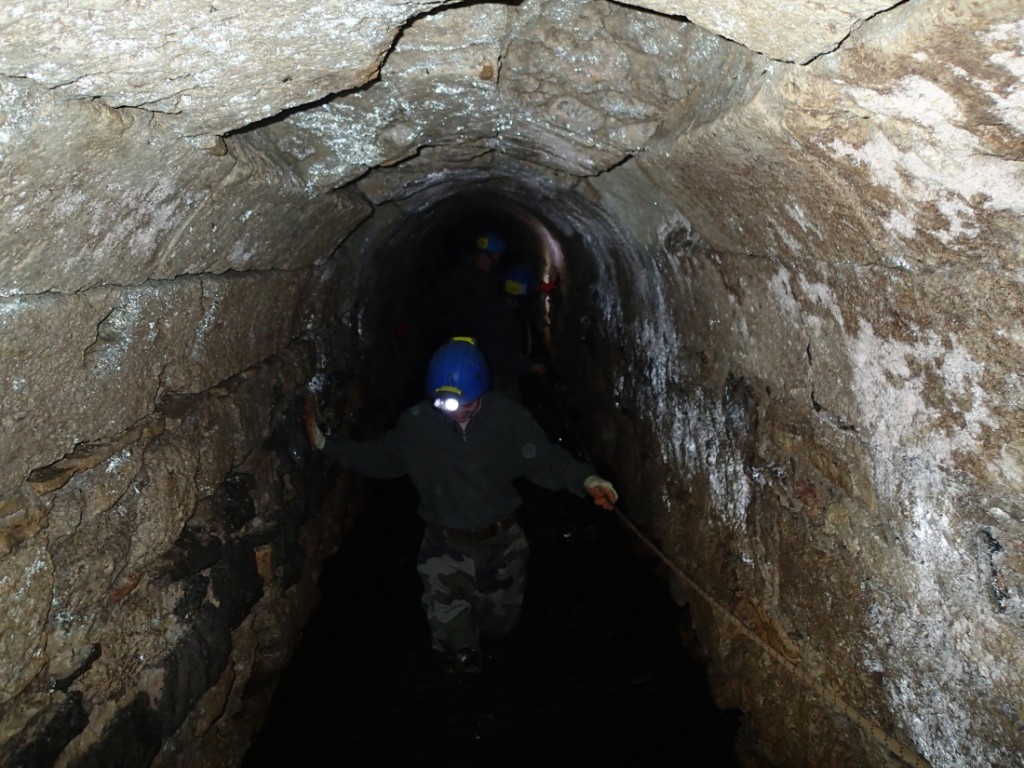
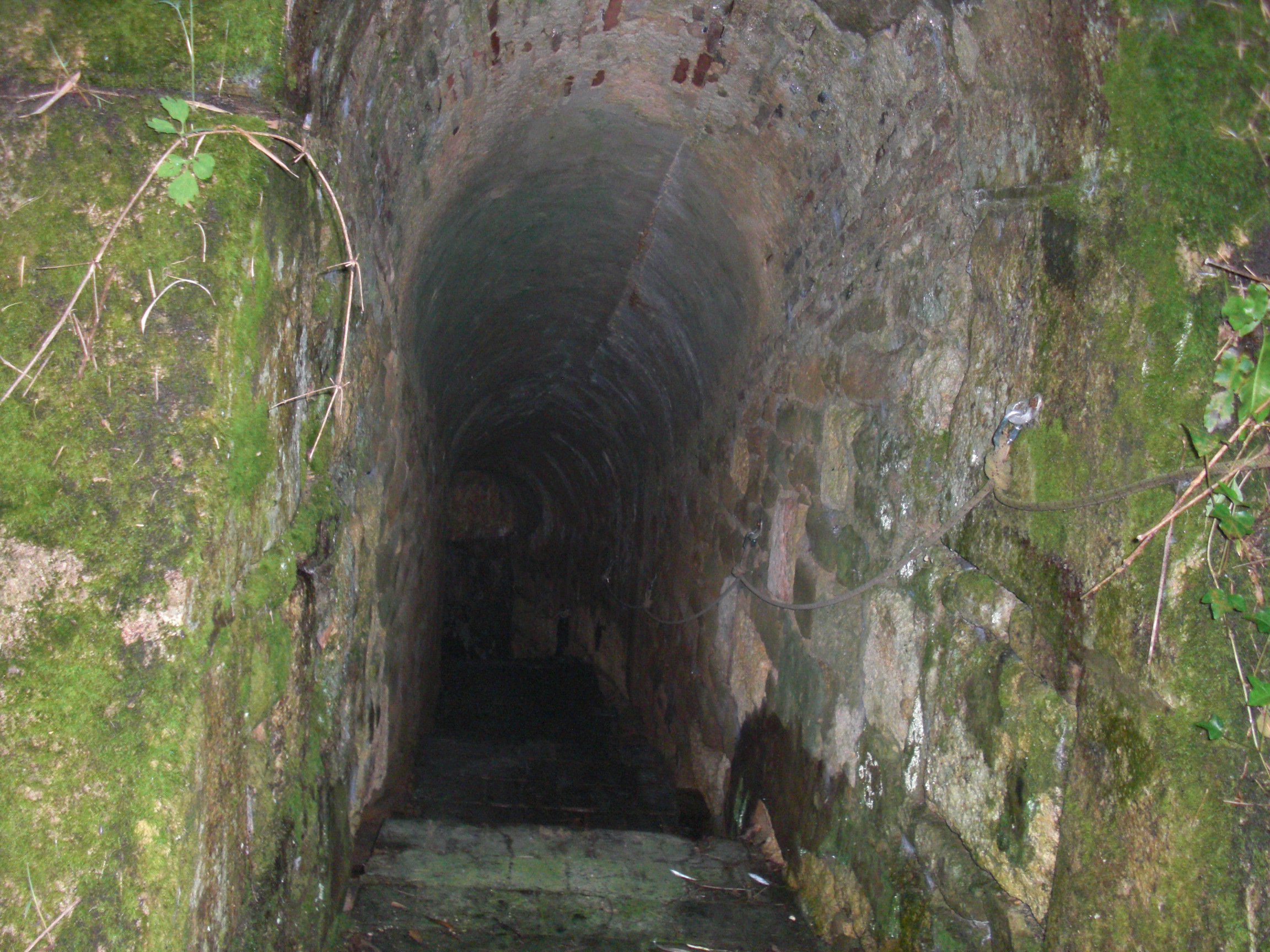
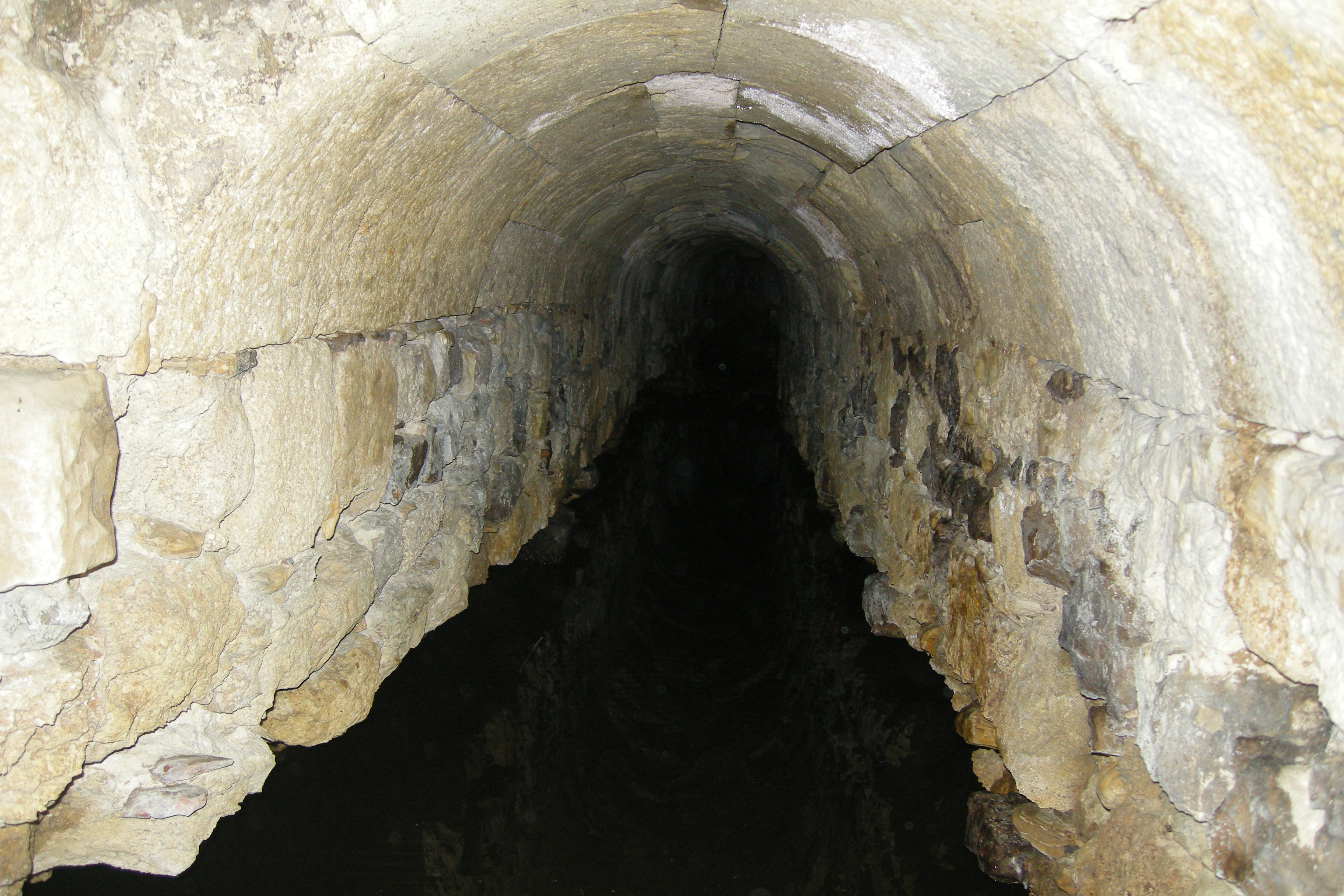
Et notre infatigable et passionné guide et châtelain 😉 Pierre vous emmènera à la découverte des souterrains du Château perdu ! N’hésitez pas à le contacter pour plus d’informations au 06.07.82.65.36
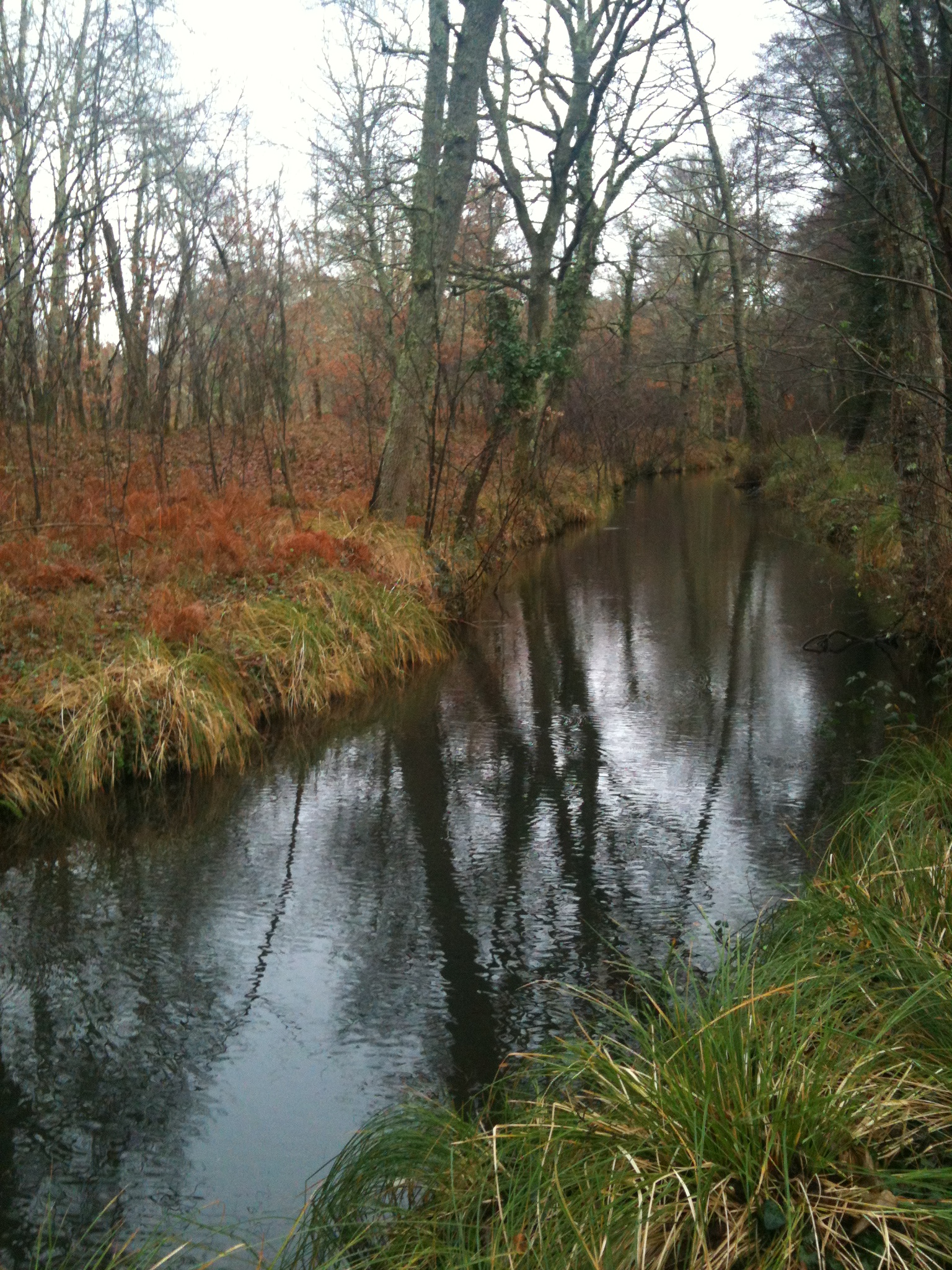
Les Jardins du Château Perdu est un endroit unique en son genre, qui a une histoire fascinante. Situé à Saint-Michel-de-Castelnau, en Sud Gironde, le Château a connu une vie tumultueuse et il n’en reste aujourd’hui que quelques souvenirs de pierres (ses souterrains) et de verdure (un jardin arboré).
Le dimanche 17 septembre, deux visites guidées des souterrains seront organisées par Pierre, notre guide passionné et passionnant de 11h à 12h et de 16h à 17h. A 154h, on vous donne rendez-vous pour vous conter les mille et une vie du Château… jusqu’à sa disparition il y a moins d’un siècle.
Que vous soyez un passionné d’histoire ou simplement curieux, cette visite guidée est une expérience à ne pas manquer.
Venez découvrir Nos Jardins du Château Perdu et les mystères de son souterrain !
pour la vingtième édition , le thème choisi musique au jardin , nous nous poserons pour écouter les bruits du jardin ;
pour celles et ceux qui le souhaitent possibilité de visiter les souterrains du château de Castelnau( équipement fourni Waders lampes frontales casques etc …)